Description of the debug zone: "Group x"
(Original Document)
Accessing the screen
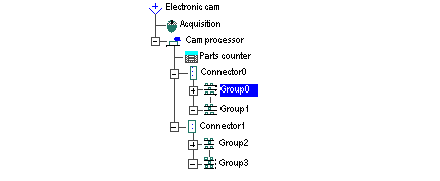
The Group x function is selected in the browser.
At a Glance
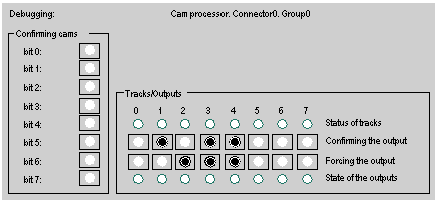
This screen zone is divided into two sections.
Confirming
Confirming the cams:
Each cam in a group can be conditioned on the status of one of the group’s 8 cam confirmation bits. Periodic command objects can be accessed from this screen. (It is possible to set them to 1 as long as the application program is not controlling them). There is no forcing.
Confirming and outputs
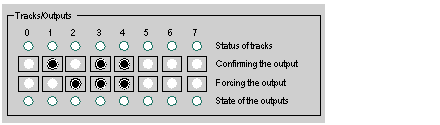
Confirming tracks and outputs:
Correspondence between the status of the tracks and the status of the outputs
Address
Description
1
As long as output confirmation is not set to 1 the output remains at 0.
2
If output confirmation is set to 1, the output takes the status of the track.
3
As long as the forcing bit is set to 1 the output is set to 1.
4
Effect of output inversion linked to configuration.
This zone shows the current status of the tracks. Two rows of buttons are used either to confirm each output individually, or to force each output individually (the button turns black).
The lower row is used to display the actual state of the outputs.