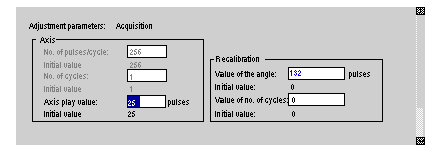
Adjustment zone: "Acquisition"
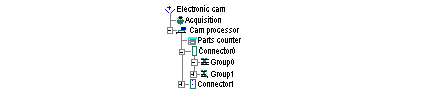
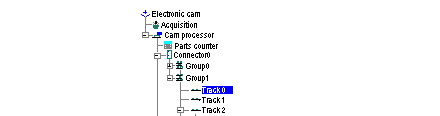
The "" function is selected in the browser.
The only values that can be modified are the values for the play of the , the value of the angle of and the number of . In these screens: whatever is displayed in blue can be modified.
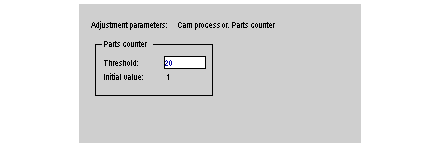
Adjustment zone: "parts counter"
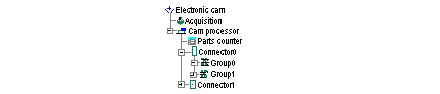
Opening via the browser:
In this screen the maximum value of the parts counter can be modified.
Opening via the browser:
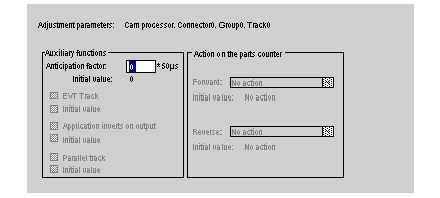
For each selected track, it is possible to assign to it, (modify), a factor of . The value will be a number of steps of 50 micro seconds.
Opening via the browser:
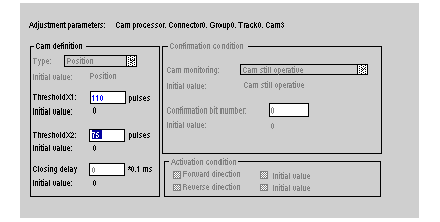
It is only possible to open configured cams.
Thresholds X1, X2 and the time delay value can be modified. The initial value is given for information and allows you to return easily to the previous conditions.
Confirming new parameters
After modifying parameter values during debugging, the user should press the confirm button. A request is then sent to the module. The module acknowledges the modification without stopping the cam processor. The modification is in the current module parameters. Switch to "Adjust Recipe" mode to save them as initial parameters.