|
Getting and Clearing Statistics
|
|


|
|
|
Getting and Clearing Statistics
|
|
|
|
|
Step
|
Action
|
|---|---|
|
1
|
Establish a connection with the Ethernet module.
|
|
2
|
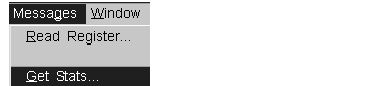 |
|
3
|
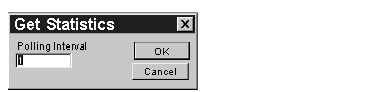
Enter the number of seconds between transactions in the Polling Interval field, and click OK.
 |
|
4
|
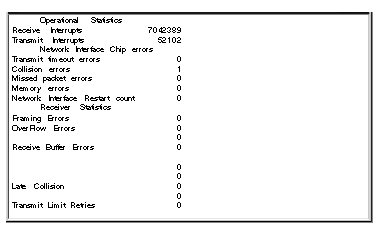
Complete statistics for the module will be printed in the window for this connection.
 |
|
5
|
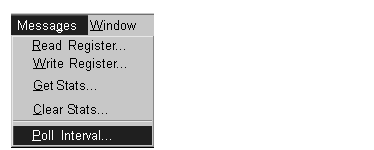
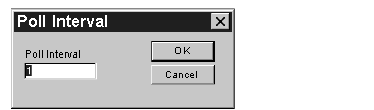
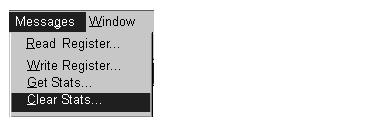
Click Messages → Poll Interval to change the polling interval without interrupting communication with the Ethernet module.
 |
|
6
|
Enter the new number in the Poll Interval field, and click OK.
 |
|
7
|
 |
|
8
|
The following figure shows the Clear Statistics dialog box. Click OK.
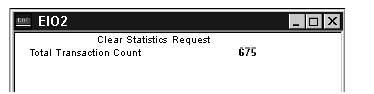
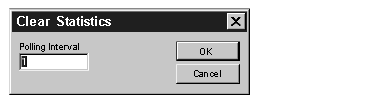 Result: The Clear Statistics Request for the connection displays.
 |
