|
Accessing the module configuration parameters
|
|


|
(Original Document)
|
|
Accessing the module configuration parameters
|
|
|
(Original Document)
|
|
Step
|
Action
|
|---|---|
|
1
|
Access the hardware configuration screen
|
|
2
|
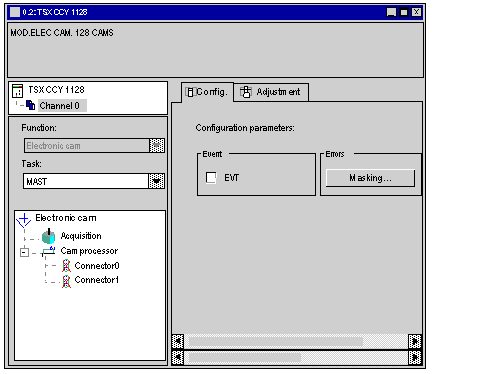
Double-click on the position of the module in the rack.
Result :
 |
|
3
|
Select the task (MAST or FAST) in which the module language objects are updated in the PLC processor: Task scrollable menu.
|
|
4
|
In the Browser, double-click on the element to be configured.
|
