|
Declaring the Master
|
|


|
(Original Document)
|
|
Declaring the Master
|
|
|
(Original Document)
|
|
Step
|
Action
|
|---|---|
|
1
|
The SyCon tool has been launched and appears on the screen.
|
|
2
|
Select the File → New command.
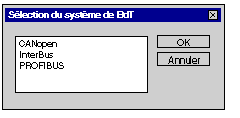
Result: the following screen is displayed (if all the buses have already been installed using SyCon) :
 |
|
3
|
Select CANopen then confirm with OK.
Result: a blank structure will appear on the screen.
|
|
4
|
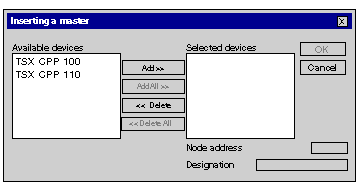
Select the Insert → Master command .
Result: the following screen appears:
 |
|
5
|
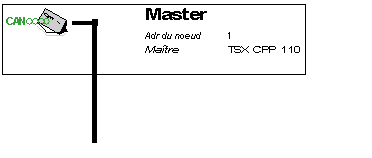
Result: the following structure appears:
 |
|
6
|
Select the Parameters → Bus Parameters command.
Result: the following screen appears:
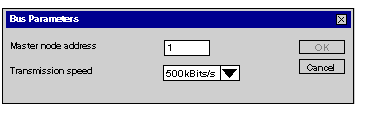 Select a speed of 500KBits/s and then click on OK.
|
