|
Declaring the CANopen Bus via the TSX CPP 110 Card
|
|


|
(Original Document)
|
|
Declaring the CANopen Bus via the TSX CPP 110 Card
|
|
|
(Original Document)
|
|
Step
|
Action
|
|---|---|
|
1
|
Double-click the Configuration directory in the Project Browser window.
|
|
2
|
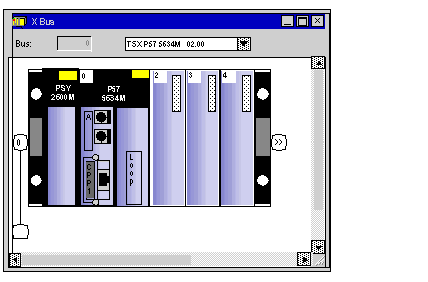
Double-click on the slot B of the PCMCIA card positioned at the bottom of the processor.
Result: the following list appears.
 |
|
3
|
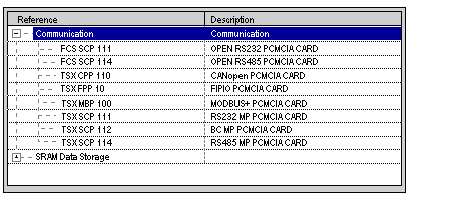
Expand the Communication directory by clicking on the
 to obtain a list of communication cards available for this slot. to obtain a list of communication cards available for this slot. Result: the following list appears:
 |
|
4
|
Select the TSX CPP 110 card and then confirm with OK.
Result: the software redisplays the X-Bus configuration editor.
|